Stop guessing what your money does.
Compound interest, loan instalments, term deposits, retirement and inflation — all on the same engine, and the arithmetic holds to the cent.


iPhone and Android · English, Türkçe, Deutsch, Español, Português · Free, with Pro
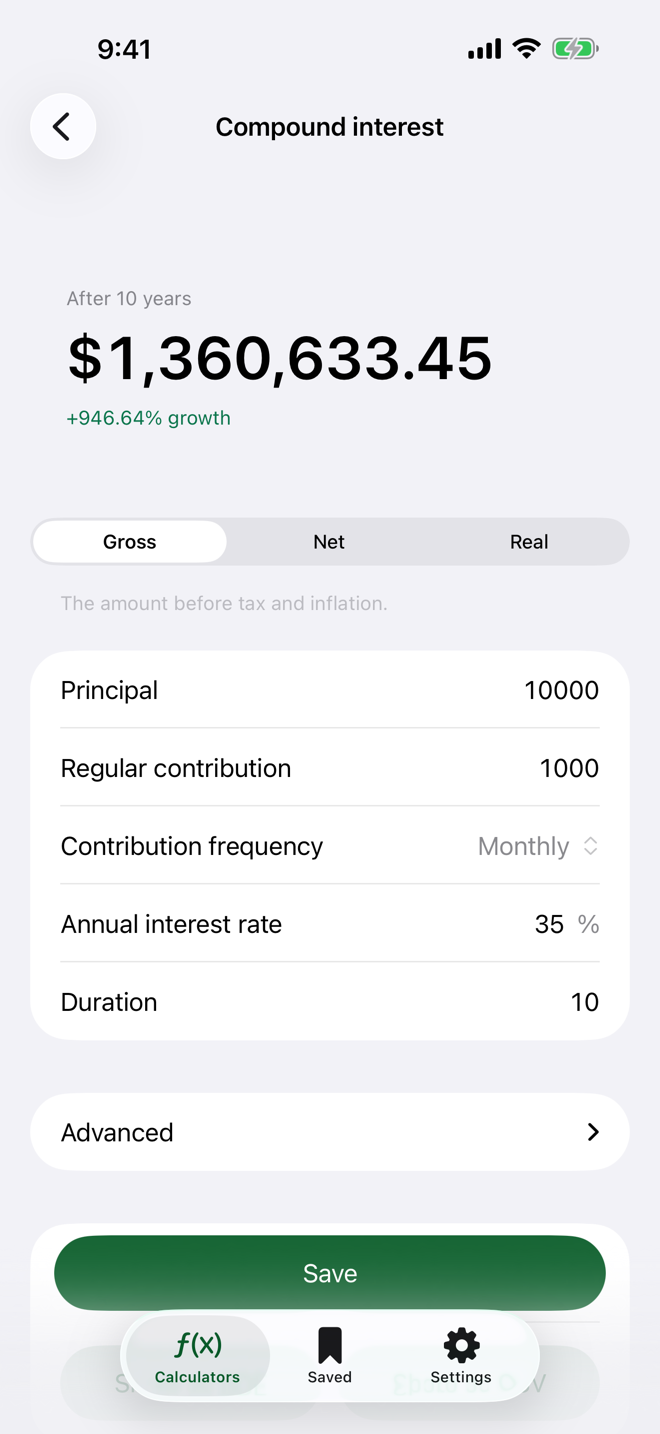
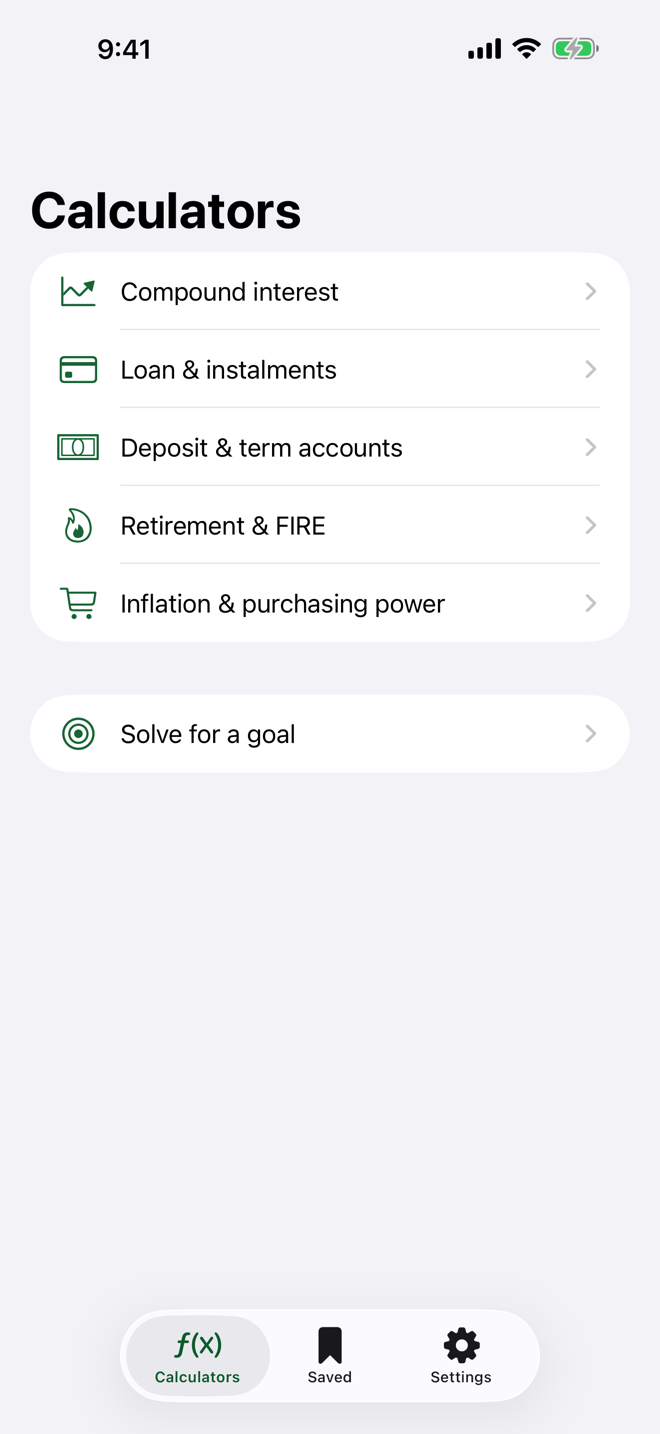
Six questions, six calculators.
Each answers a different question; all of them share one decimal engine, one set of day-count conventions and one set of tax rule packs.
Compound interest
Regular contributions, any compounding frequency, and the return left after tax and inflation.
Loan & instalments
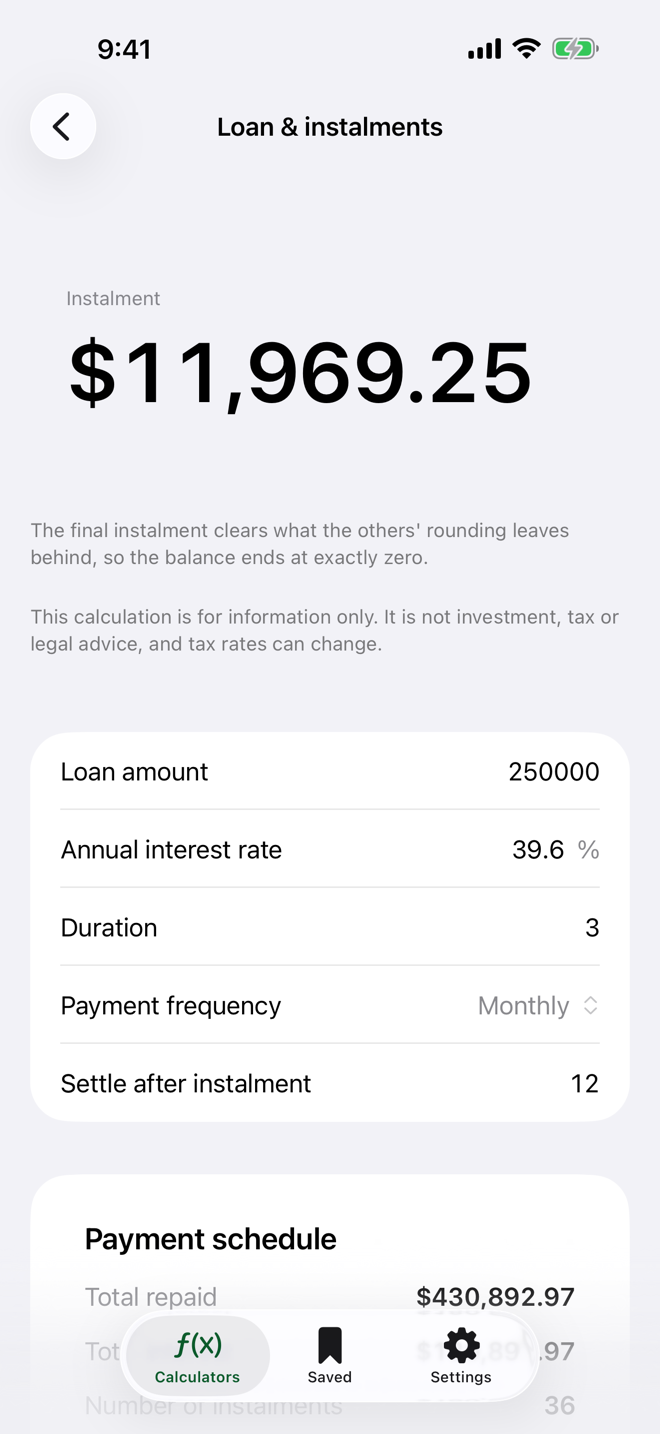
The full amortisation schedule, total interest and an early-payoff scenario — the balance closes at exactly zero.
Deposit & term accounts
Terms counted in days and net yield after withholding bands — including what changes at 180 days and at a year.
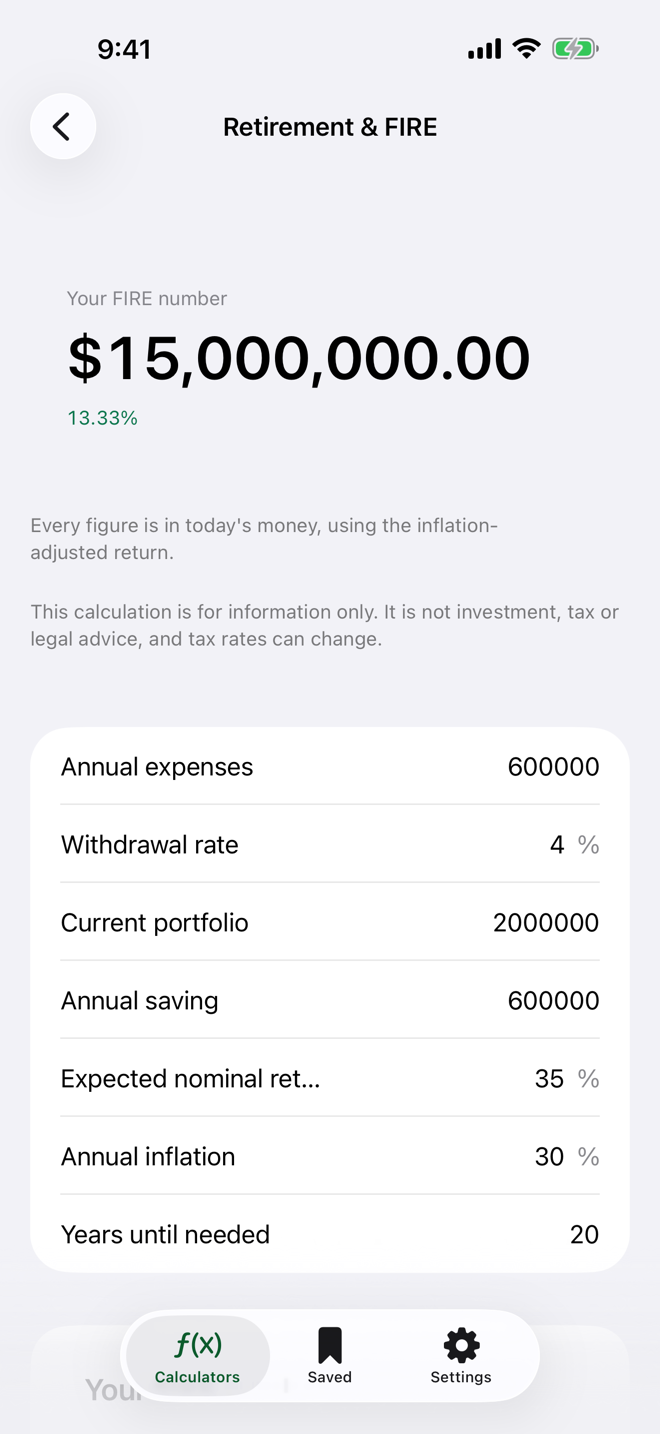
Retirement & FIRE
Your retirement number and the horizon to reach it — every figure in today's money.
Inflation & purchasing power
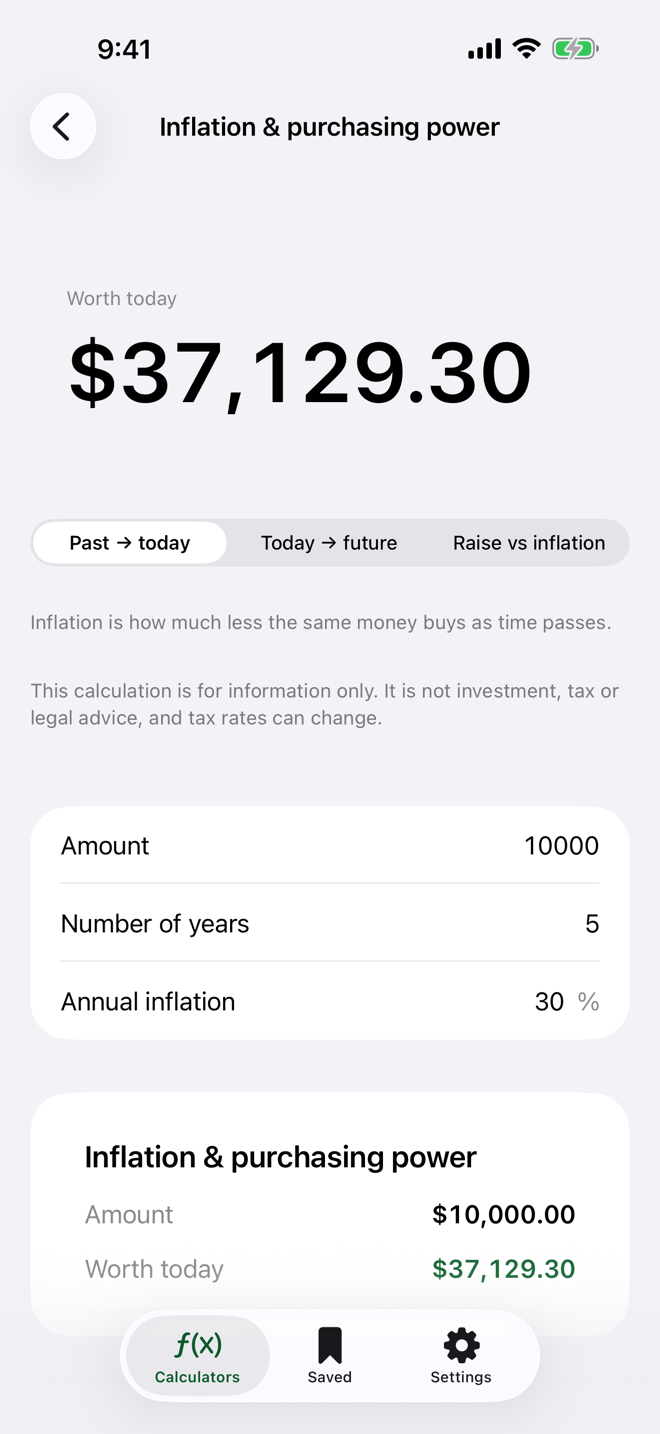
Past to today, today to future, and whether your raise actually beat inflation.
Solve for a goal
Asks the question backwards: “how much per month to reach this amount?” The other five run forwards; this one solves in reverse.
This is what compounding looks like.
Like the app, the taster below never touches a floating-point number: every figure is an integer count of cents.
Monthly compounding, before tax and inflation. In the app you also choose the compounding frequency, contribution timing, withholding and inflation.
It holds to the cent.
Money in this app is never a floating-point number — it is computed in decimal. Rounding happens only on the way to the screen, never in an intermediate step.
The most visible consequence is in the payment schedule: the final instalment clears what the others' rounding left behind, so the balance reaches exactly zero — not “about” zero.
| No. | Payment | Interest | Balance |
|---|---|---|---|
| 1 | 9,455.96 | 2,000.00 | 92,544.04 |
| 2 | 9,455.96 | 1,850.88 | 84,938.96 |
| ··· | |||
| 11 | 9,455.96 | 367.19 | 9,270.56 |
| 12 | 9,455.97 | 185.41 | 0.00 |
100,000 · 12 months · 24% a year. The last instalment is one cent larger — which is precisely why the balance closes at 0.00.
Three figures, three different questions.
The same calculation has three readings, and skipping two of them is how people get it wrong. The app puts all three one tap apart.
Gross
The amount before tax and inflation. This is usually the number on the bank's brochure.
Net
What reaches you after withholding. On a deposit the rate is banded by how long the term runs, and the app knows the bands.
Real
The purchasing power left once inflation is taken out — that is, whether your money actually gained anything.
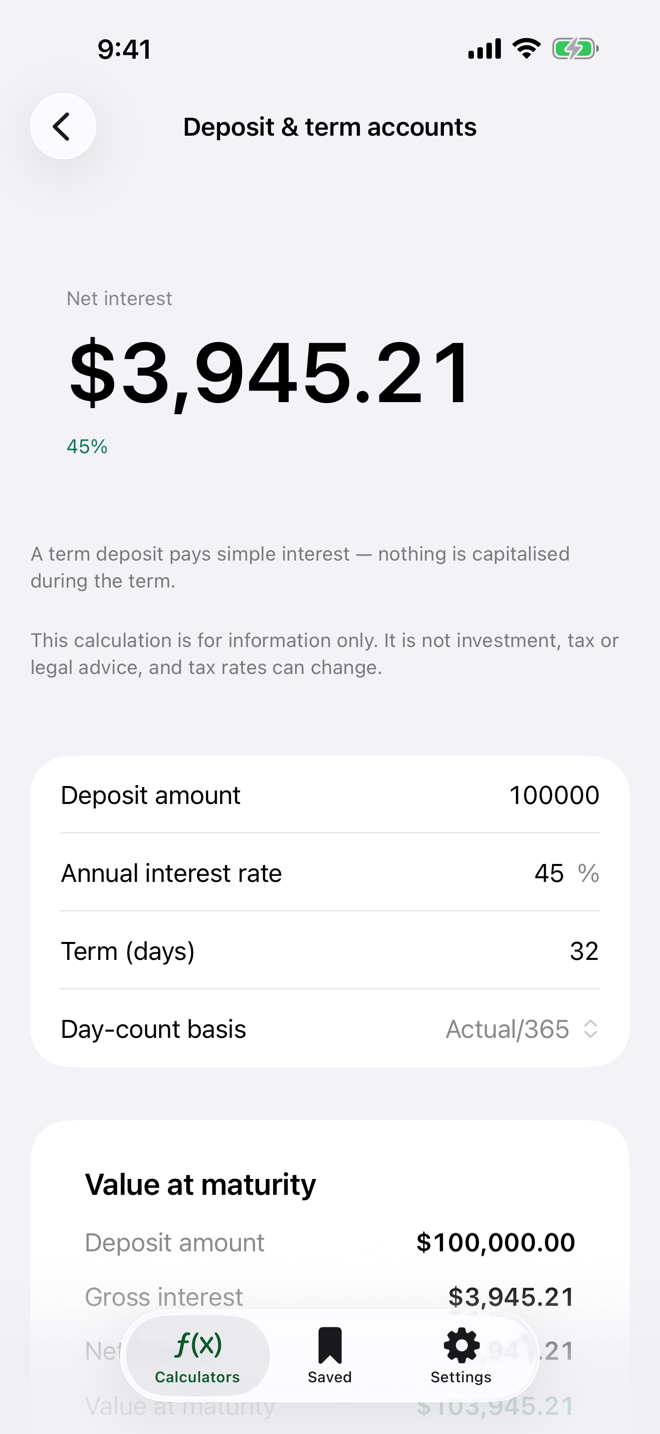
Withholding bands ship with the app.
Tax rates are not buried in the code. They live in rule packs, each stamped with the date it took effect. You pick your country in Settings and the app does the rest.
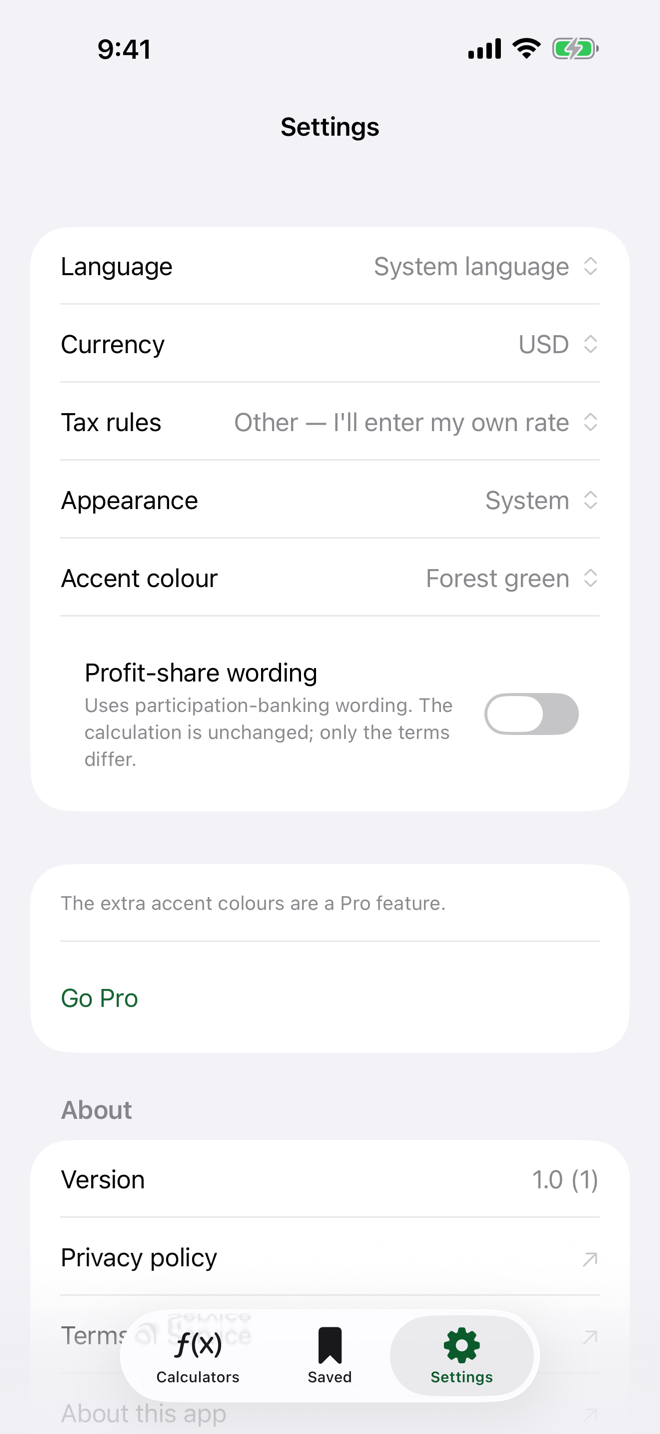
Not on the list? “Other — I'll enter my own rate” is right there.
Profit-share wording
One switch moves the whole app into participation-banking vocabulary — profit share instead of interest, participation account instead of term. The calculation is unchanged; only the words differ, and the app says so plainly.
Your currency, your format
Currency and number formats follow your device region, and you can override them in Settings. Thousands separators and decimal marks come out the way you expect them to.
Five languages, one app
English, Turkish, German, Spanish and Brazilian Portuguese. The language follows your device, or you pick it inside the app.
The number, in today's money.
The real trap in a FIRE calculation is confusing the millions of twenty years from now with what they will actually buy. This calculator uses the inflation-adjusted return, so every figure you see is written in today's money.
Coast FIRE sits alongside it: “if I never contribute another lira, does it still get there?”
Calculating is always free.
All six calculators, unlimited. Pro widens what you can do with the answers.
Free
No account, straight in
- All six calculators, unlimited
- Tax rules and profit-share wording
- Save three calculations
- Five languages, your own currency
- No ads
Pro
Save, compare, export
- Unlimited saved calculations
- Compare scenarios side by side
- Export to CSV and PDF
- Extra accent colours
Offered weekly, monthly and yearly. The monthly and yearly plans start with a free week. Prices are shown inside the app, for your own region.
Your numbers stay on your phone.
- No account to create — there isn't one to create.
- Saved calculations and settings are stored on your device.
- No analytics or tracking SDK; the app sends nothing to a server of ours.
- No ads, no advertising identifier, no cross-app tracking.
- Subscriptions are handled by Apple; your card details never reach us.
The screens.
Don't guess. Calculate.
Six calculators, five languages, tax rules built in — and a payment schedule that closes on the last cent.
This app is for information only. It is not investment, tax or legal advice, and tax rates can change. For binding figures, ask your bank or a qualified adviser.